
Turn any PDF into a video in your brand
Saltfish’s AI reads your PDF, writes the script and turns it into a narrated video with your logo, colours and voice


Trusted by great companies


Michelle Dizon
Head of Scale Success & Customer Education
“I spent years building training that was beautiful and nobody took it. Saltfish met the customer where they were, in the product, when they needed it.”
Read case study

Clara Andén
Commercial Director
“We went from one team trying it out to 50 people across three departments in a matter of weeks. Nobody had to be convinced, they saw it and wanted in.”
Read case study

Tilden Hellyer
Growth Product Manager
“Saltfish is amazing at drawing attention to something. This was a great way to really have a low cognitive entry point.”
Read case study



Dorian Simon
Head of Customer Success
“Our customers are enterprise engineering teams. They expect a polished experience. Embedding interactive demos in our knowledge base lets us deliver that at a scale a team our size normally couldn't.”
Read case study


Klaus-M. Schremser
Co-founder & CRO
“We have users across the world in dozens of languages. Saltfish lets us onboard all of them with localized video, without recording a single extra take.”
Read case study

Luuk De Jonge
Head of Product
“It's not just that more users are completing onboarding. It's that they're actually understanding the product better, and getting to value faster.”
Read case study

What Saltfish reads from your PDF
What it reads
q3-product-report.pdf
Every fact and number
Figures, names and claims go into the script the way your document states them
Charts, explained
The voiceover walks through what each chart shows instead of skipping it
Your own images
Photos and illustrations inside the PDF can appear in the scenes
The document’s look
Its colours and layout guide the scenes, next to your brand kit
How to convert a PDF to video in three steps
- Drop your PDF here
q3-product-report.pdf
18 pages
1Upload your PDF
A whitepaper, guide, report or product sheet, up to 45 MB
- AIMaking your video
- Every page read
- Script written from your PDF
- Scenes designed in your brand
- Video rendering
2Saltfish’s AI makes the video
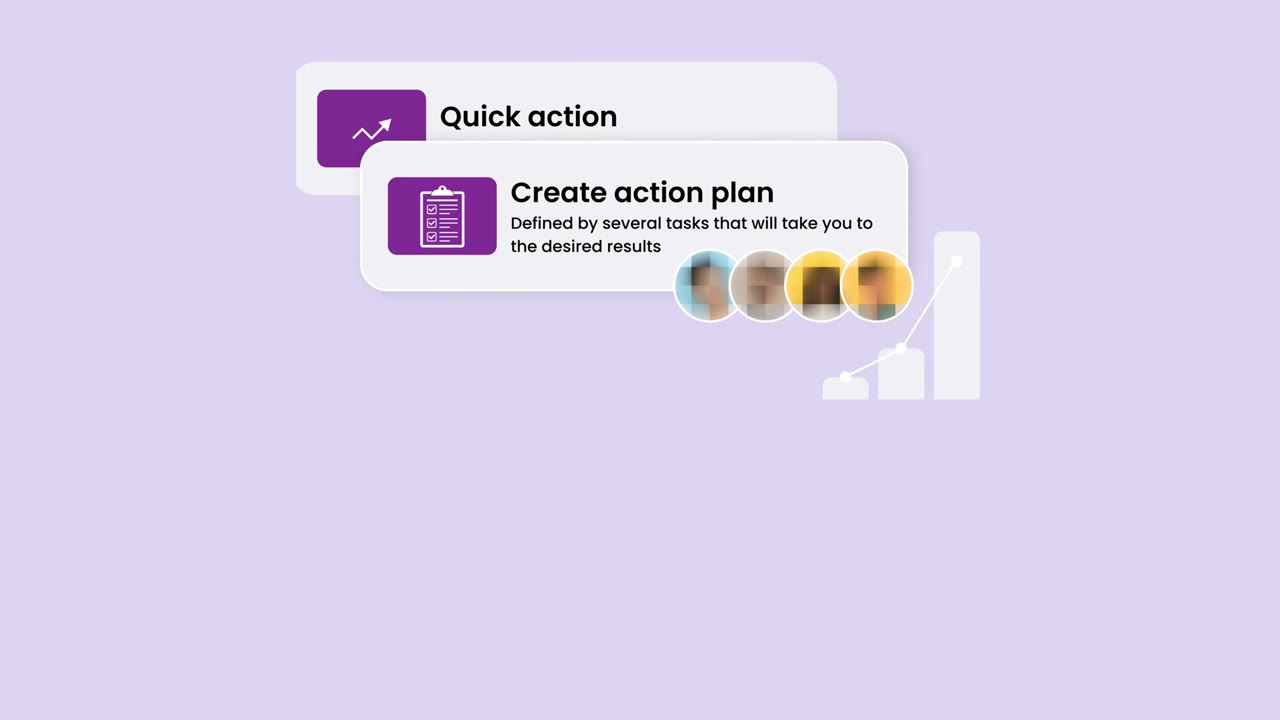
It reads every page, writes the script, designs the scenes in your brand and adds a voiceover
 1:00YouTube, help center, emailMP43
Review and download
Watch it, change anything you want, then download the MP4 for YouTube, your help center or a sales email
Get a free video made for your brand
Type your website and our team makes the video for you
Videos that look like your brand, not like AI
Brand profile
OtterlyAI
- Logo

- Colours
- #E40072
- Fonts
- Bricolage Grotesque + Inter
- Voice
- Confident and plain
- Style
- Quick and exact
What teams turn from PDF into video
Marketing
Whitepapers and reports to video
Turn a long report into a short video that buyers finish and AI search can cite
Sales
Product sheets and sales decks to video
Give sales a video version of every one-pager to send before and after a call
Customer success
Onboarding guides and manuals to video
Walk new customers through setup with a video instead of a thirty-page PDF
Internal teams
Training and policy documents to video
Roll out training and policy updates in a format people actually watch
AI search cites YouTube more than any other website
#1
Most cited website in Google's AI answers
YouTube22.9%Reddit18.5%Facebook10.1%Google8.8%Instagram5.6%3.4x
More often cited by AI after a publisher turned its articles into YouTube videos
Before1xAfter3.4x4 in 10
Of the YouTube videos AI cites have under 1,000 views, so you do not need a big channel
Under 1k views41%1k or more59%
A video for every PDF, for a fraction of an agency’s price
Cost per video
Time to deliver
Source: Agency: Wyzowl survey of 116 studios, median quote for a 60s explainer
PDF to video questions
Anything else, write to support@saltfish.ai
Upload the PDF and Saltfish’s AI reads it, writes the script, designs the scenes in your brand and records the voiceover, then you review the video and download it
Files up to 45 MB work, and Saltfish reads the whole document for the script while it looks closely at up to 24 pages for their layout and pictures
Yes, the voiceover explains what your charts show and the pictures inside the PDF are offered to the scenes, apart from logos and graphics that repeat on every page
No, Saltfish’s AI writes, designs and voices the video, so your part is to review it and ask for any changes
Yes, you see the script and the storyboard before anything is made, and you can adjust any scene once the video is ready
Yes, a .pptx works the same way with its text, speaker notes and images read into the script, and blog posts and web pages work too
The voiceover speaks English, Swedish and the other major European languages, in a voice that fits your brand
An MP4 in your brand, ready for YouTube, your help center, a landing page or a sales email
Avatar tools put a presenter in front of your slides, while Saltfish designs every scene in your brand around the facts, charts and images in your document
Your first video is on us: give us your website and our team makes a video in your brand, so you can see the result before you choose a plan
Get a free video made for your brand
Type your website and our team makes the video for you
Or try Saltfish for free, or book a demo